 Trusted by +1 Million customers | LIVE-DELIVERY

Cart is empty
 Our Brands


















































































Hover on image to enlarge
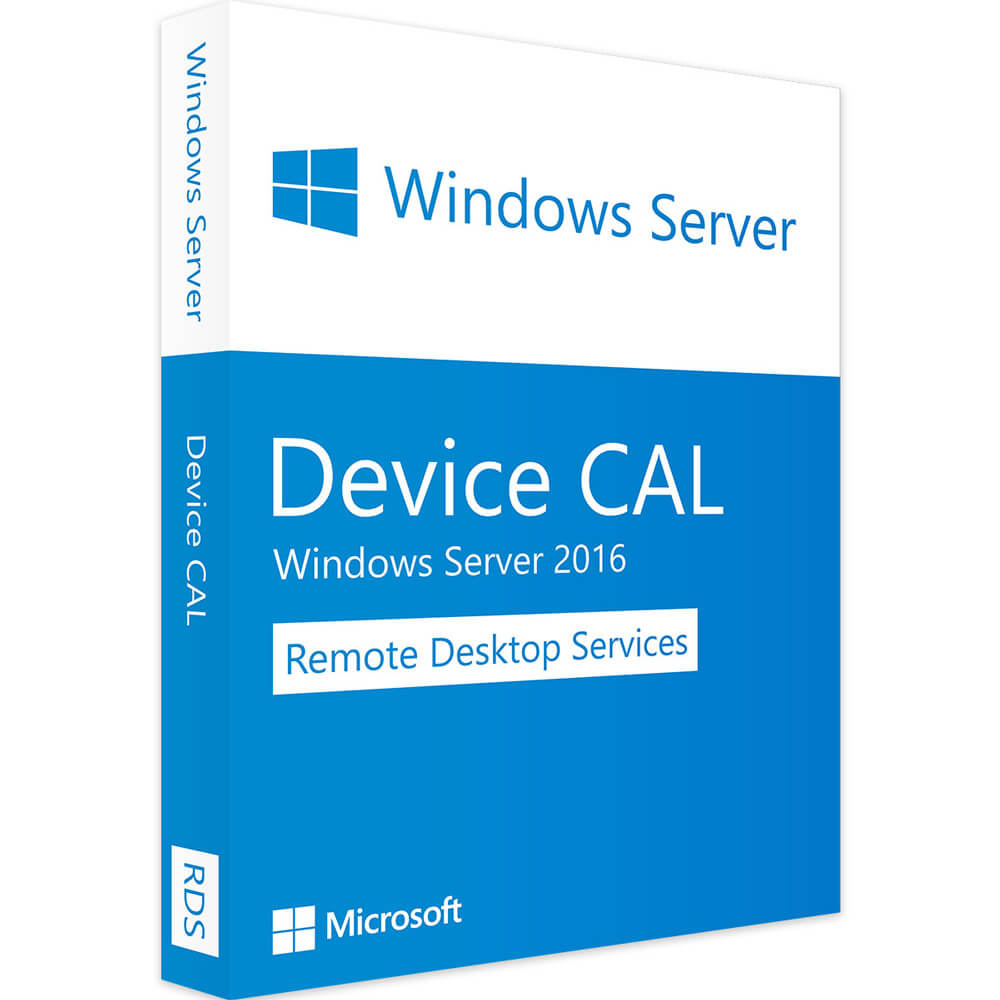
Windows Server 2016 RDS - Device CALs
Special promotions! Take advantage of significant discounts on Windows Server CALs (limited stock)

Delivery Immediately via email
Technical Support Free
Free
FreeActivation Key Authentic Code
Authentic CodeInstallation Guide(s) Clear and detailed
Clear and detailedAvailable Languages Multilingual
MultilingualPlatform(s) Windows
WindowsAvailable validity Lifetime
LifetimeCountry Zone(s) Worldwide
WorldwideVersion Full Version
Full Version

The Benefits of Buying Windows Server 2016 RDS - Device CALs from us
Guaranteed Authenticity
All our softwares are 100% authentic, directly from official manufacturers.
Warranty
Enjoy peace of mind with our during the product's validity warranty, far beyond the standard 30 days.
Free Installation
Enjoy a free installation service for a hassle-free setup.
24/7 Customer Support
Our dedicated team is available anytime to assist you.
Best Prices
Get the best prices : CAD79.99 instead of CAD84.99 and save! CAD5!
Description
Download Windows Server 2016 RDS - Device CALs and Optimize Your Productivity
By downloading the Windows Server 2016 RDS - Device CALs Remote Desktop Services (RDS) you will benefit from an ideal platform that provides flexible deployment, cost-effectiveness and secure access to mobile devices as well as remote workstations.
Install Device CALs on Windows Server 2016 RDS and discover its innovations
In contrary to the model with 10 Device CALs of Windows Server 2016 RDS, the model with 1 Device CAL of Windows Server 2016 RDS supports 1 device since it provides a license for the device connected to the host server of the Remote Desktop session as well as it allows you to activate the RDS license on your server. Discover the major enhancements of Windows Server 2016 RDS - Device CALs like GPU acceleration in Windows Server 2016, RemoteApps and Personal Session Desktop option.
GPU acceleration in Windows Server 2016 RDS - Device CALs
Windows Server 2016 RDS - Device CALs has integrated two new functionalities to ensure GPU or graphics processor acceleration for Windows desktop OS. RemoteFX which is a virtual GPU adapter, which allows API redirection from the virtual machine guest to a physical GPU on the host. Discrete Device Assignment (DDA) which allows you to transmit the physical GPU from the Hyper-V host to the guest virtual machine and accommodate your complex and demanding design requirements.
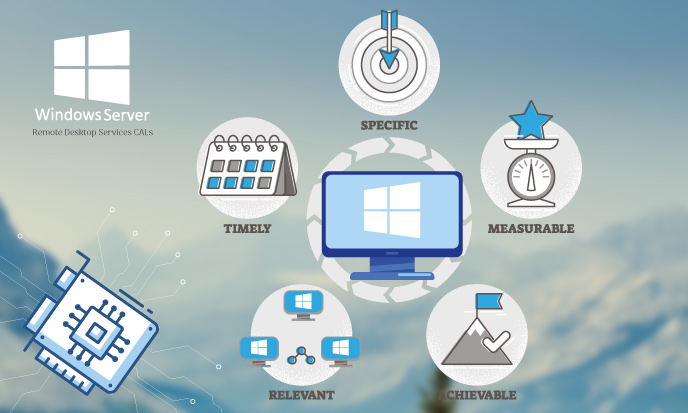
RemoteApps: an ideal solution for virtual machines
This RDS infrastructure permits you to have your published applications displayed directly on your desktops in the identical way as a locally installed application. RemoteApp programs or applications published from the Remote Desktop Services infrastructure can be integrated into the graphical environment of a user's desktop. The RemoteApps functionality provides a complete desktop experience through which you can deploy and manage key applications in a secure remote environment by allowing you to work and customize your own desktops.
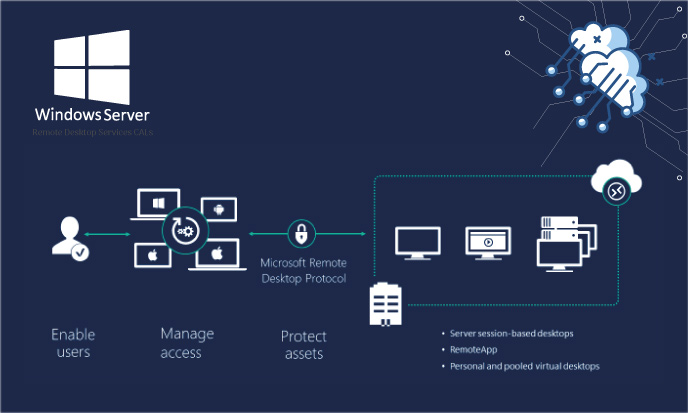
Personal Session Desktops - Windows Server 2016 RDS - Device CALs
Personal Session Desktops, the new deployment mode in RDS 2016, combines the two deployment models offered by Windows Server 2012 R2 (Session-Based Desktop and Virtual machine-Based Desktop, i.e. VDI). This new RDS 2016 deployment model proposes to each user to open a dedicated Remote Desktop session on the server and permits to use a VDI solution in Azure, the Microsoft Cloud.
Reviews
09/18/2023, 19:35