 Trusted by +1 Million customers | LIVE-DELIVERY

Cart is empty
 Our Brands






























































































61DD67C5D2EE3
Hover on image to enlarge
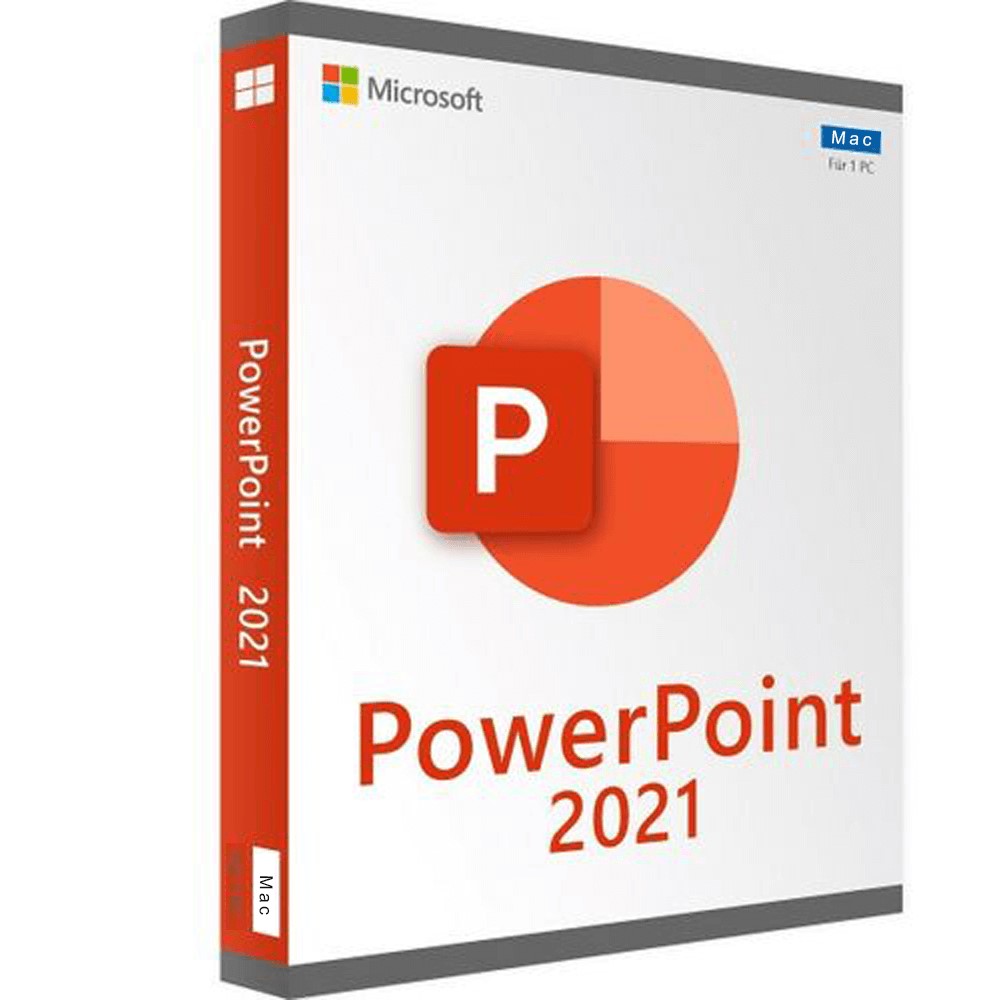
PowerPoint 2021 For Mac
Special promotions! Take advantage of significant discounts on PowerPoint (limited stock)
Obtain PowerPoint for the best price in the market!
After you successfully purchase your product, you will immediately receive:
- A Lifetime activation key for your PowerPoint 2021 for mac
- The download link of the full version of PowerPoint 2021 for mac in the 32/64 bit version
- A Step-by-Step guide to help you activate your Product


The Benefits of Buying PowerPoint 2021 For Mac from us
Guaranteed Authenticity
All our softwares are 100% authentic, directly from official manufacturers.
Warranty
Enjoy peace of mind with our during the product's validity warranty, far beyond the standard 30 days.
Free Installation
Enjoy a free installation service for a hassle-free setup.
24/7 Customer Support
Our dedicated team is available anytime to assist you.
Best Prices
Get the best prices : CAD89 instead of CAD139.00 and save! CAD50!
Description
PowerPoint 2021 For Mac: Overview
- Real-Time Co-Authoring: Collaborate simultaneously with colleagues on the same presentation, with instant visibility of changes.
- Enhanced Slide Recording: Capture presentation videos, handwritten annotations, and use a laser pointer to enrich your slides.
- Office Premium Media: Access an expanded library of creative content, including high-quality images and icons to customize your slides.
- Modernized Interface: Enjoy a streamlined user experience with updated ribbon visuals and a clear, modern style.
Advanced Features of PowerPoint 2021 For Mac
Real-Time Co-Authoring and Collaboration
The co-authoring feature allows multiple users to work on the same presentation simultaneously, making revisions more efficient and transparent.
Enhanced Recording and Annotations
Record videos of your presentations, add handwritten annotations, and use a laser pointer for a more interactive presentation.
Creative Media and Content
Access a rich collection of creative content, including high-quality images and icons, to personalize your slides.
Modernized User Interface
Experience a modernized user interface with an updated ribbon and simplified visual elements for a better experience.
New and Key Updates in PowerPoint 2021 For Mac
Ink Replay Animation
Apply Rewind or Replay animations to your handwritten notes for dynamic effects.
Microsoft Search Tool
Use the integrated search tool to quickly find elements, commands, and help within your Office applications.
Auto-Save Feature
Upload your files to OneDrive, OneDrive for Business, or SharePoint Online to ensure all your changes are saved automatically.
Improved Accessibility
Organize slide elements for screen readers and check document accessibility with built-in tools.
System Requirements for PowerPoint 2021 For Mac
- Operating system: MacOS 16 Tahoe, MacOS 15 Sequoia, and MacOS 14 Sonoma
- Processor: Intel or Apple Silicon (M1, M2, M3, M4)
- Memory: 4 GB RAM
- Disk space: 10 GB
- Screen resolution: 1280 x 800
Frequently Asked Questions about PowerPoint 2021 For Mac
-
What are the benefits of co-authoring in PowerPoint 2021 For Mac?
Co-authoring allows multiple users to work on the same presentation simultaneously, with real-time visibility of changes, facilitating better collaboration and productivity.
-
How do I activate the auto-save feature?
To enable auto-save, upload your files to OneDrive, OneDrive for Business, or SharePoint Online. Changes will be automatically saved.
Reviews
08/22/2024, 19:31