 Trusted by +1 Million customers | LIVE-DELIVERY

Cart is empty
 Our Brands































































































61DD67B78882D
Hover on image to enlarge
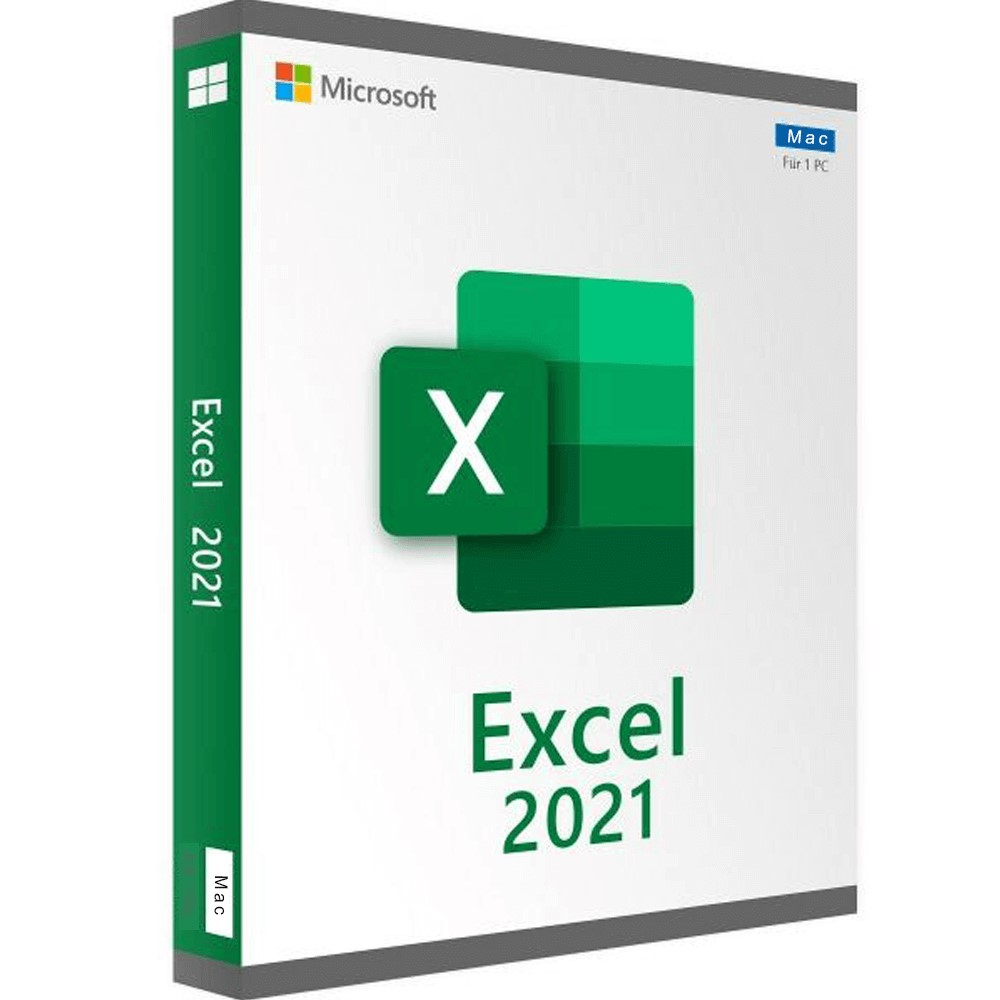
Excel 2021 For Mac
Special promotions! Take advantage of significant discounts on Excel (limited stock)
Obtain Excel for the best price in the market!
After you successfully purchase your product, you will immediately receive:
- A Lifetime activation key for your Excel 2021 for mac
- The download link of the full version of Excel 2021 for mac in the 32/64 bit version
- A Step-by-Step guide to help you activate your Product


The Benefits of Buying Excel 2021 For Mac from us
Guaranteed Authenticity
All our softwares are 100% authentic, directly from official manufacturers.
Warranty
Enjoy peace of mind with our during the product's validity warranty, far beyond the standard 30 days.
Free Installation
Enjoy a free installation service for a hassle-free setup.
24/7 Customer Support
Our dedicated team is available anytime to assist you.
Best Prices
Get the best prices : CAD89 instead of CAD139.00 and save! CAD50!
Description
Excel 2021 For Mac - Overview
- Enhanced collaboration with co-authoring.
- New features such as dynamic arrays and XLOOKUP.
- Visual and performance improvements.
- Support for OpenDocument Format (ODF) 1.3.
- Increased accessibility with optimized accessibility tools.
Unleash the Power of Advanced Features in Excel 2021 For Mac
Co-Authoring and Real-Time Collaboration
Work simultaneously with colleagues on the same workbook with co-authoring. See changes in real-time, making collaboration more efficient.
Modern Comments for Better Collaboration
Benefit from an improved commenting experience that allows you to control when comments are sent to co-authors, enhancing productivity.
Tracking Collaborators in Your Workbook
View who is working on the workbook and their location within it. An effective way to monitor progress and identify collaborators.
Visual Refresh
Enjoy a modern experience with updated ribbon tabs, single-line icons, and a more neutral color palette for a more pleasant user interface.
Powerful Search Features with XLOOKUP
XLOOKUP allows you to efficiently search for items in a table or range, returning exact matches without the need for specifications.
Advanced Use of the LET Function
Assign names to calculation results with the LET function, making it easier to store intermediate calculations and optimize complex formulas.
The Unmatched Benefits of Excel 2021 For Mac
Dynamic Arrays for Accelerated Calculations
Write a formula and return a table of values using new dynamic functions such as FILTER, SORT, UNIQUE, SEQUENCE, and more.
XMATCH Function for Simplified Searches
Locate an item in a matrix or range and return its relative position with XMATCH. Ideal for more advanced data analysis.
Custom Views in Sheets
Create custom views in a worksheet without disrupting others, providing a more flexible experience when working with Excel sheets.
Simplified Access to Accessibility Tools
All tools needed to create accessible content are now grouped in the Accessibility ribbon, making it easier to create documents that are accessible to everyone.
Performance and Stability Improvements
Excel 2021 For Mac offers enhanced performance, with faster calculations for common functions such as SUMIF, COUNTIF, and AVERAGEIF.
View Multiple Sheets Simultaneously
Hide or display multiple sheets at once, a convenient feature for more effective sheet management.
New Media Assets
Access a rich collection of premium multimedia content, including stock images and icons, to enhance your presentations and documents.
Integrated Microsoft Search
Utilize the new Microsoft Search box in Office applications to quickly find text, commands, help, and more.
Automatic Saving of Changes
Save your files to OneDrive or SharePoint Online to ensure all your updates are automatically saved.
Support for OpenDocument Format (ODF) 1.3
Excel 2021 For Mac now supports OpenDocument Format (ODF) 1.3, adding support for many new features.
System Requirements
- Operating system: MacOS 16 Tahoe, MacOS 15 Sequoia, and MacOS 14 Sonoma
- Processor: Intel or Apple Silicon (M1, M2, M3, M4)
- Memory: 4 GB RAM
- Disk space: 10 GB
- Screen resolution: 1280 x 800
Frequently Asked Questions about Excel 2021 For Mac
-
What are the new features in Excel 2021 compared to previous versions?
Excel 2021 includes new features such as co-authoring, XLOOKUP and LET functions, custom sheet views, dynamic arrays, and support for ODF 1.3.
-
Is auto-saving available in Excel 2021 For Mac?
Auto-saving is available in Excel 2021 when used with OneDrive or SharePoint Online. Note that this feature is not available in Excel LTSC 2021.
-
How do I activate my Excel 2021 license?
After purchasing from Digitalproductkey.com, follow the installation instructions provided in the email. Enter the product key during the installation process to activate your license.
Reviews
08/22/2024, 05:20